![S911logo350350-2.png]](https://help.getshare911.com/hs-fs/hubfs/S911logo350350-2.png?width=40&height=40&name=S911logo350350-2.png)
When you have a lot of people you wish to invite to Share911 / Share999, the easiest way to send the email invites is via our "Bulk Invite" feature.
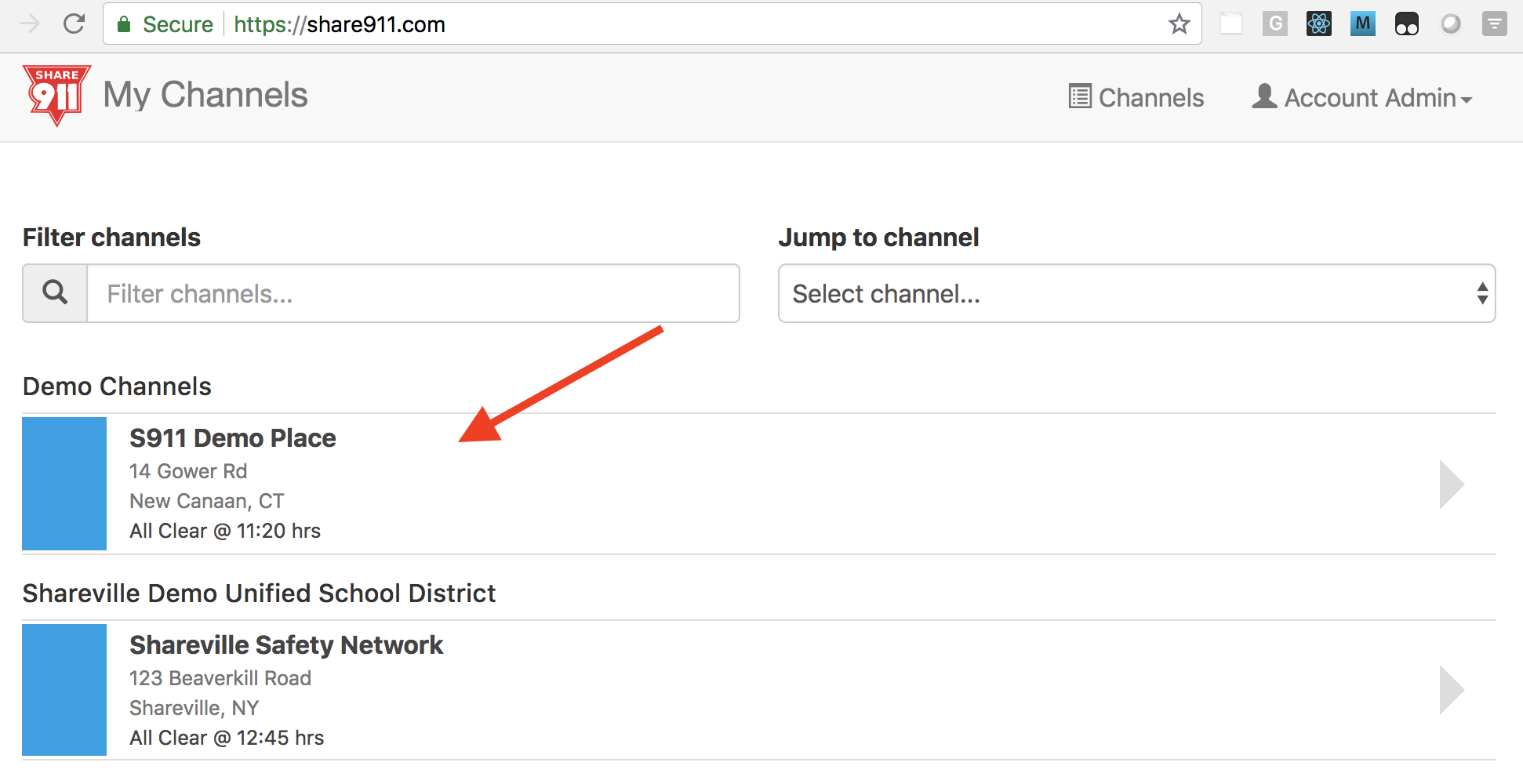
1. Click on the channel you wish to invite people to:
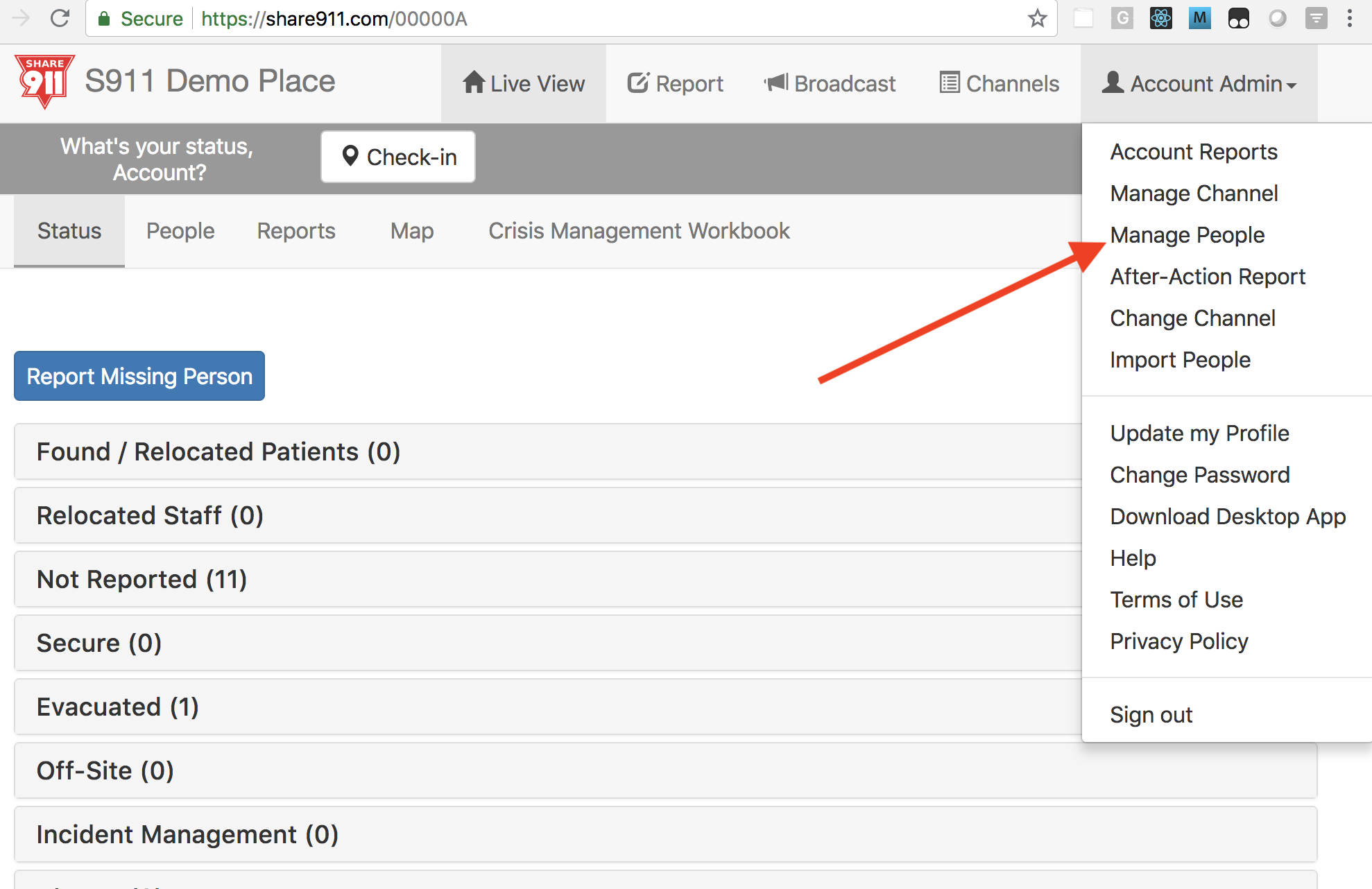
2. Select "Manage People" from your User Menu:
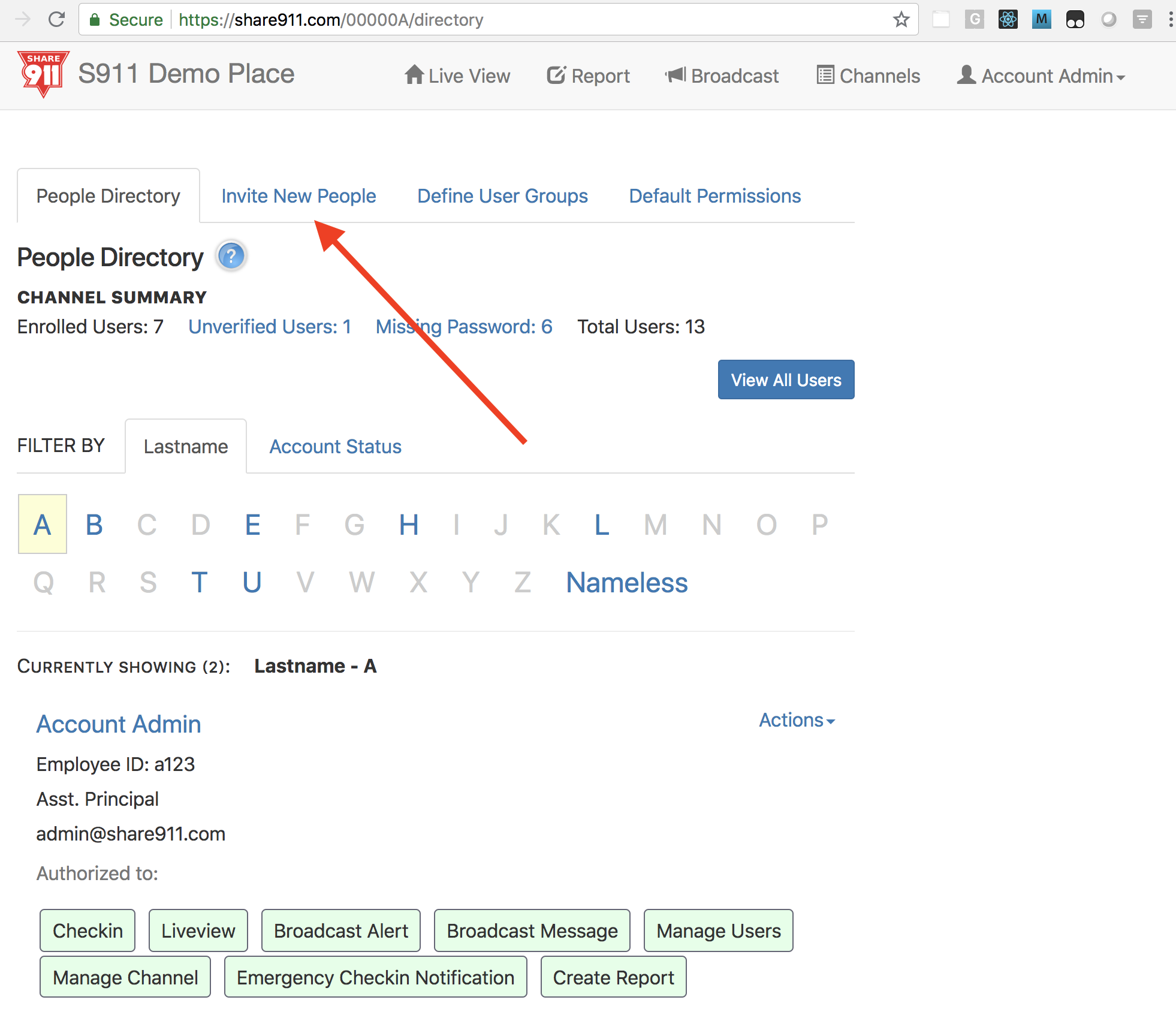
3. Select the "Invite New People" tab:
4. Click the "Bulk invite people" button on the right:
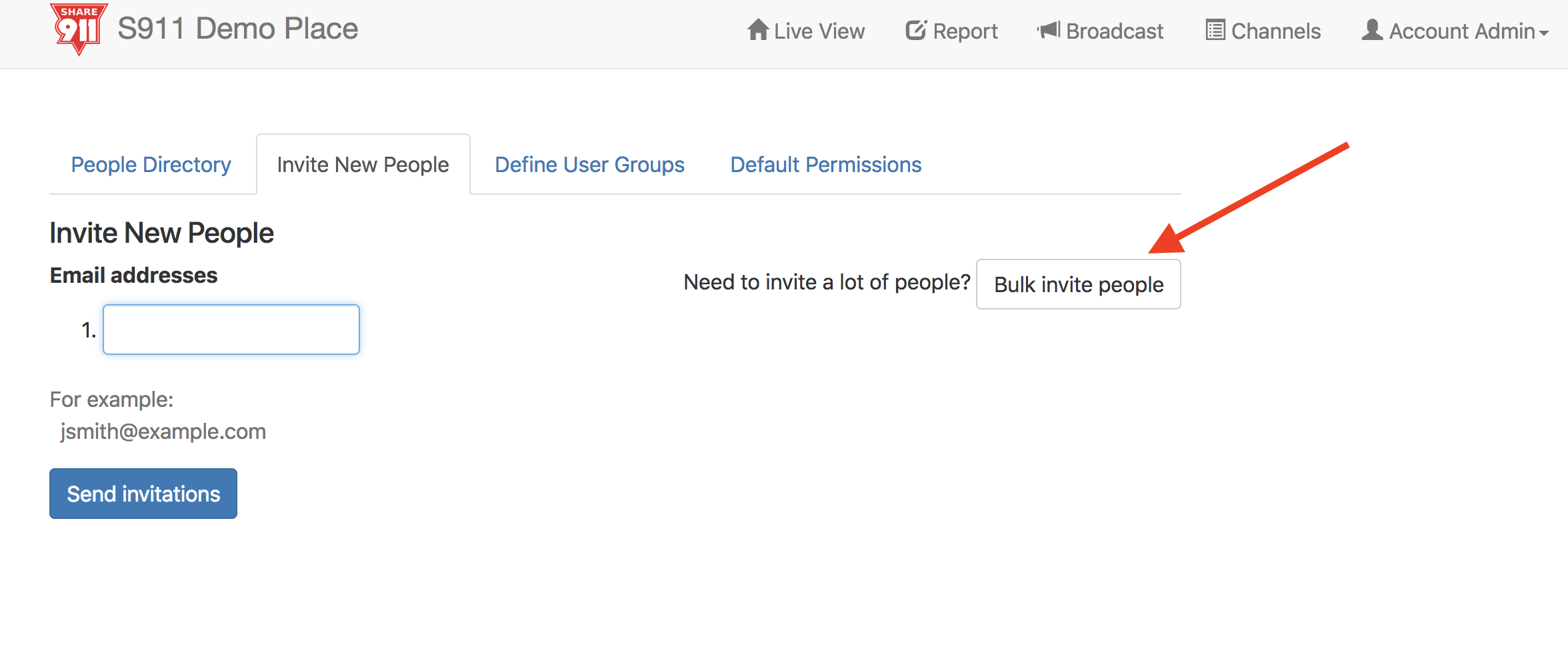
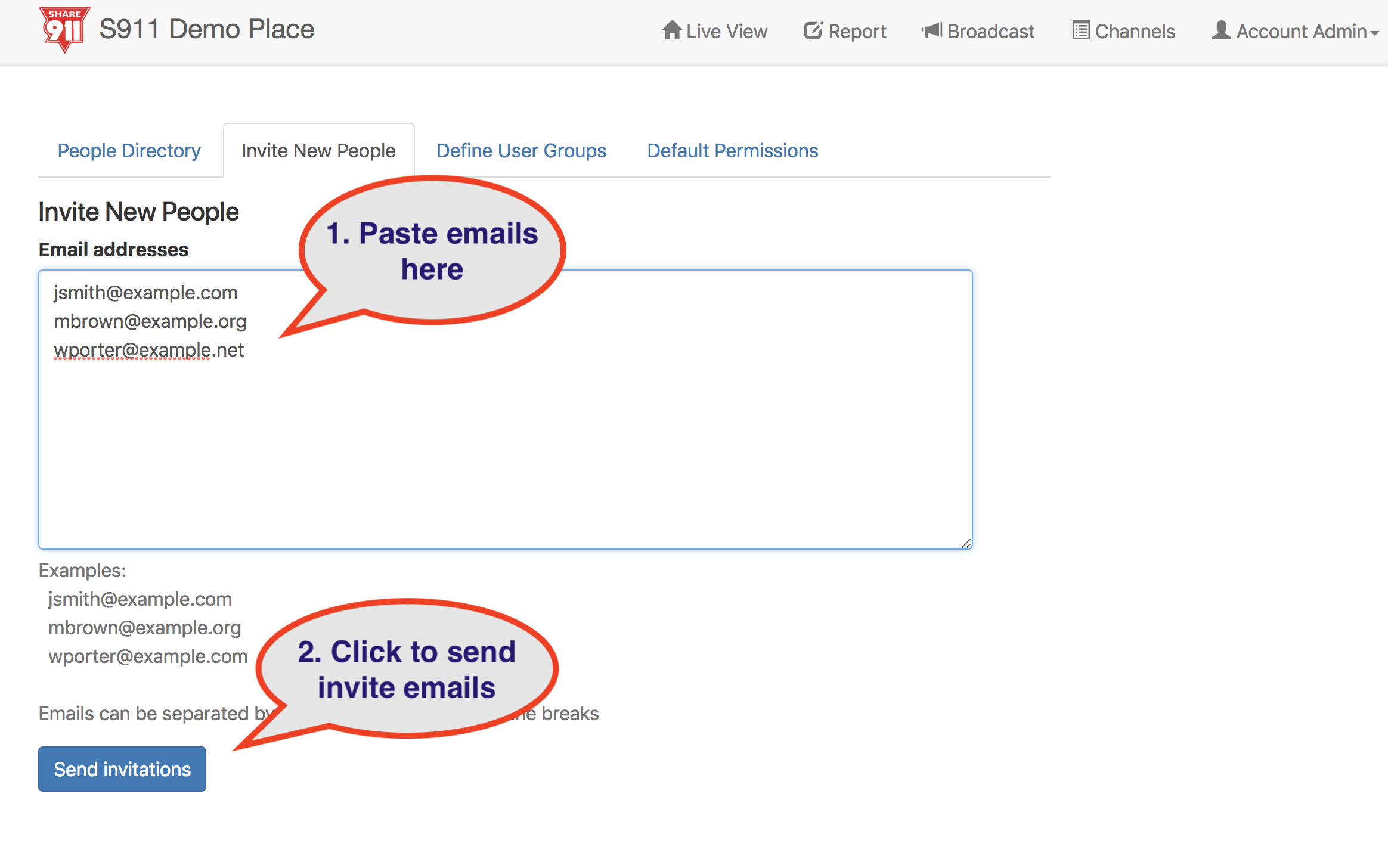
5. Paste the email addresses into the text box and click "Send invitations":
Users who already have access to one or more channels will retain their existing access.
